MoLeads for Android
Get the MoLeads app
Post a job in a minute, get offers from trusted local pros, then chat and call — with an alert the moment someone replies.
 Scan with your phone camera to install
- Free to download
- About 1 MB
- Android 7.0 and newer
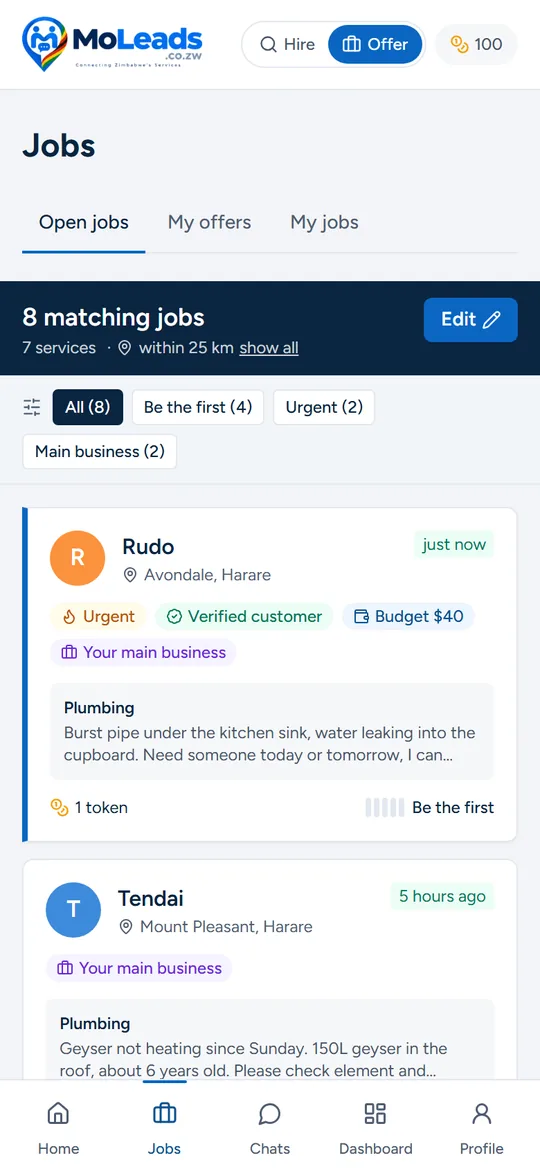
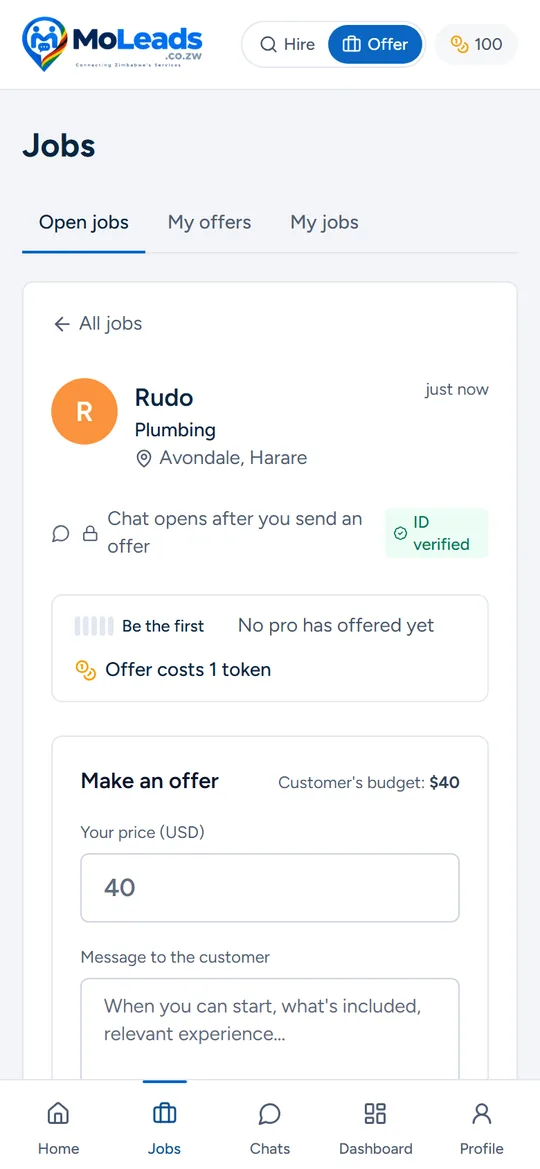
Everything MoLeads does, in your pocket
Post a job in a minute
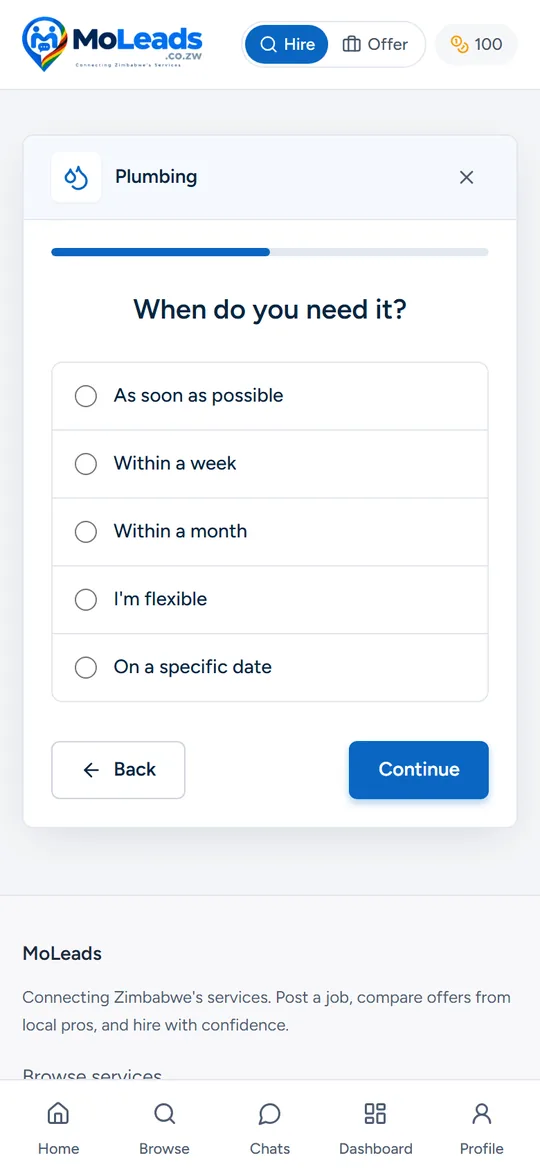
Pick a service, describe it, set when and your budget. Local pros get it straight away.
Compare offers
See each pro's price, reviews and ID verification side by side, then hire the best.
Chat and call free
Message or call in the app after an offer — no need to share your number.
Instant alerts
Know the moment you get an offer, a message or a call, even when the app is closed.
For service providers
Win work from your phone
- New jobs near you that match your services, with an alert as soon as they're posted
- See the budget and how many pros already offered before you spend a token
- Send and update offers in seconds; revising an offer is free
- Keep 100% of what you earn — MoLeads takes no commission
- Earn an ID-verified badge and reviews that customers trust
One account does both: switch between Hire and Offer at the top of the app.
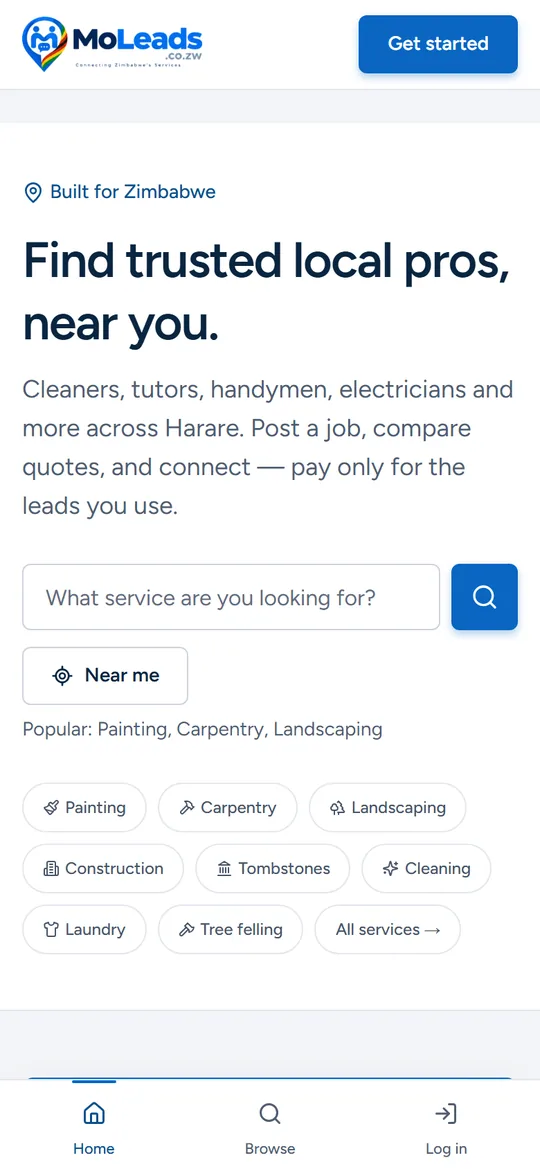
Take a look
How to install
Android
- Tap Get it on Google Play (or search “MoLeads” in Play)
- Tap Install — it's about 1 MB
- Open MoLeads and sign in, or create a free account
iPhone
- Open moleads.co.zw in Safari
- Tap Share
- Choose Add to Home Screen
MoLeads then opens full-screen from your home screen, like an app.
Computer
Use MoLeads right in your browser at moleads.co.zw. In Chrome or Edge you can also install it as a desktop app.
Questions
Is the app free?
Yes. Downloading MoLeads is free and new accounts start with free tokens. Posting a job or sending your first offer on a job uses tokens, exactly like on the website. Browsing, chatting after an offer and reviews are always free.
Is it the same account as the website?
Yes. Sign in with the same email or Google account and you'll see the same jobs, offers, chats and tokens on your phone and on moleads.co.zw.
Is there an iPhone app?
Not in the App Store yet. On iPhone, open moleads.co.zw in Safari, tap Share, then Add to Home Screen — MoLeads then opens full-screen like an app.
Will it use a lot of data or space?
No. The app is about 1 MB to download and works on Android 7.0 and newer. It uses about the same data as browsing the website.
How do notifications work?
Allow notifications when the app asks and you'll hear about new offers, messages, incoming calls and — for pros — new jobs that match your services. You can switch each type off in your profile.
Are my details safe?
Your exact address is never shown, only your area. Providers can be ID-verified, and every job, chat and profile can be reported or blocked. See our Privacy Policy for the details. Privacy Policy
Trusted local pros, one tap away
Join customers and providers across Zimbabwe already using MoLeads.